Guide · Share and show
Print a poster or a family book
A poster
- Open your tree and press Print at the top.
- Choose who to start from (or leave it on automatic), descendants or ancestors, how many generations, the paper size and the look.
- Press Download PDF. It's a sharp, vector file that any print shop can print at full size.

For a very large family, pick Long banner: a strip as long as the tree needs, for print-shop roll paper. Under the button, the page tells you how big names will print.
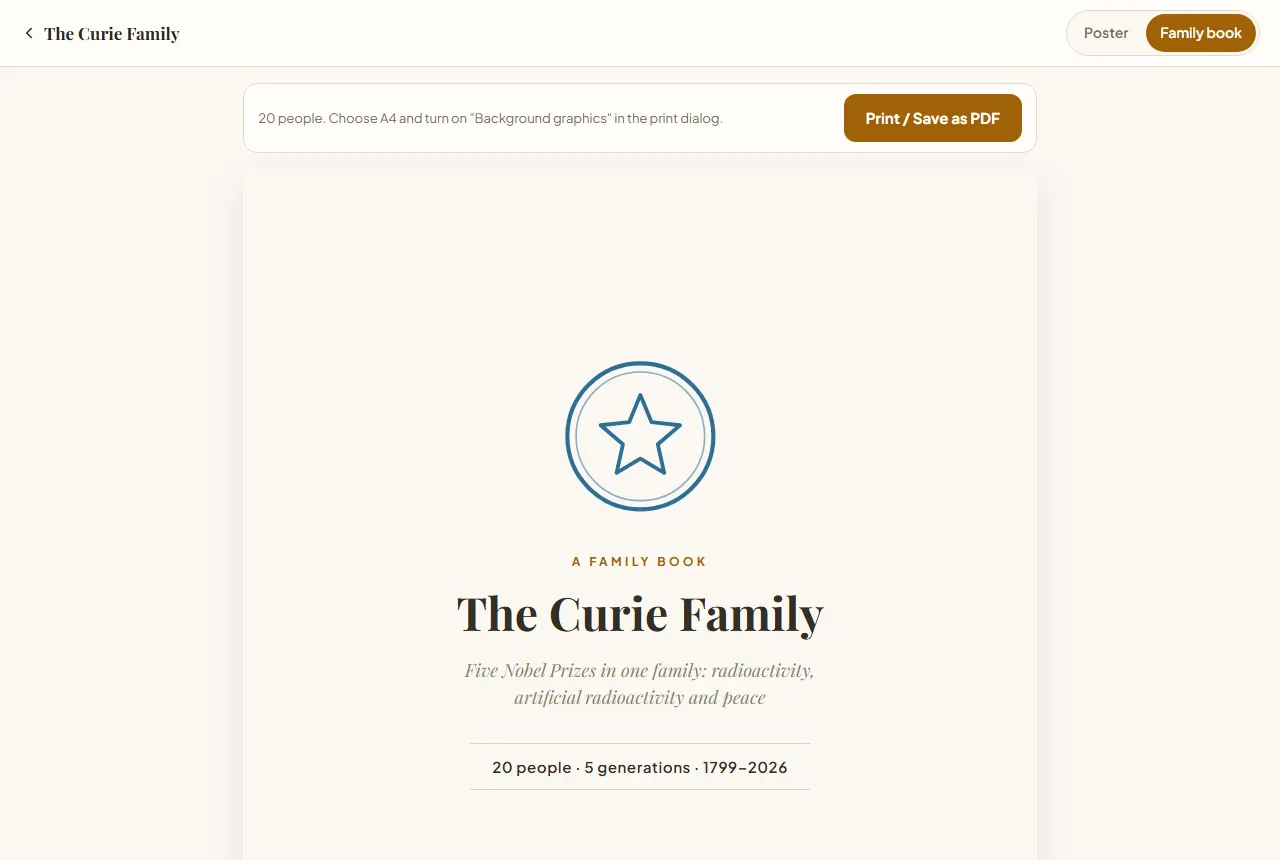
A family book
Switch to Family book: a cover with your emblem, a list of everyone by generation, then a page for each person with their photo, dates, places, family and story, plus a few photos from the memory book. Press Print / Save as PDF and choose Save as PDF.