Guide · Share and show
Give your family an emblem
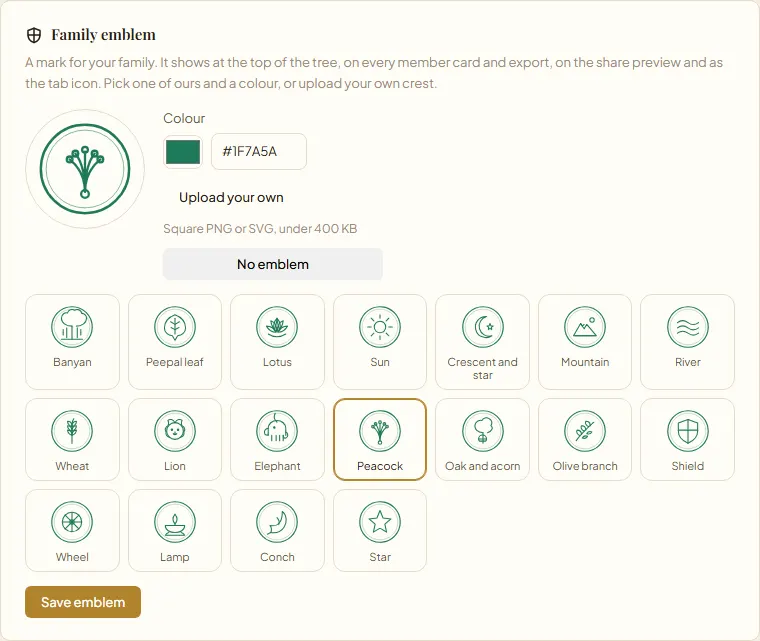
An emblem is your family's mark. It shows at the top of the tree, on every exported card, on the preview when you share the link, and as the browser tab icon.
- Open Admin > Tree Settings > Family emblem.
- Pick a mark (banyan, lotus, peacock, lion, oak and more) and a colour, or press Upload your own for a crest: a square PNG or SVG under 400 KB works best.
- Press Save emblem.
Add a cover picture
Every member card has a wide band across the top with the emblem in its corner. Under Tree Settings > Cover picture, press Upload a picture to put the family home, a village or an old group photo there. Wide pictures work best. Without one, cards use a soft tint of your tree's look.