Guide · Start here
Make your family tree
FamilyTree is free. A tree gets its own link, like familytree.bliink.in/tree/sharma, that opens on any phone. You can build it in the browser, or bring an existing tree from another site.
Sign up
- Open Start your tree.
- Enter your name, email and a password of at least 8 characters.
- Give the tree a name, for example Sharma family. The link is made from it; you can type your own, using lowercase letters, numbers and hyphens.
- Confirm your email from the message we send, then sign in.

Add the first people
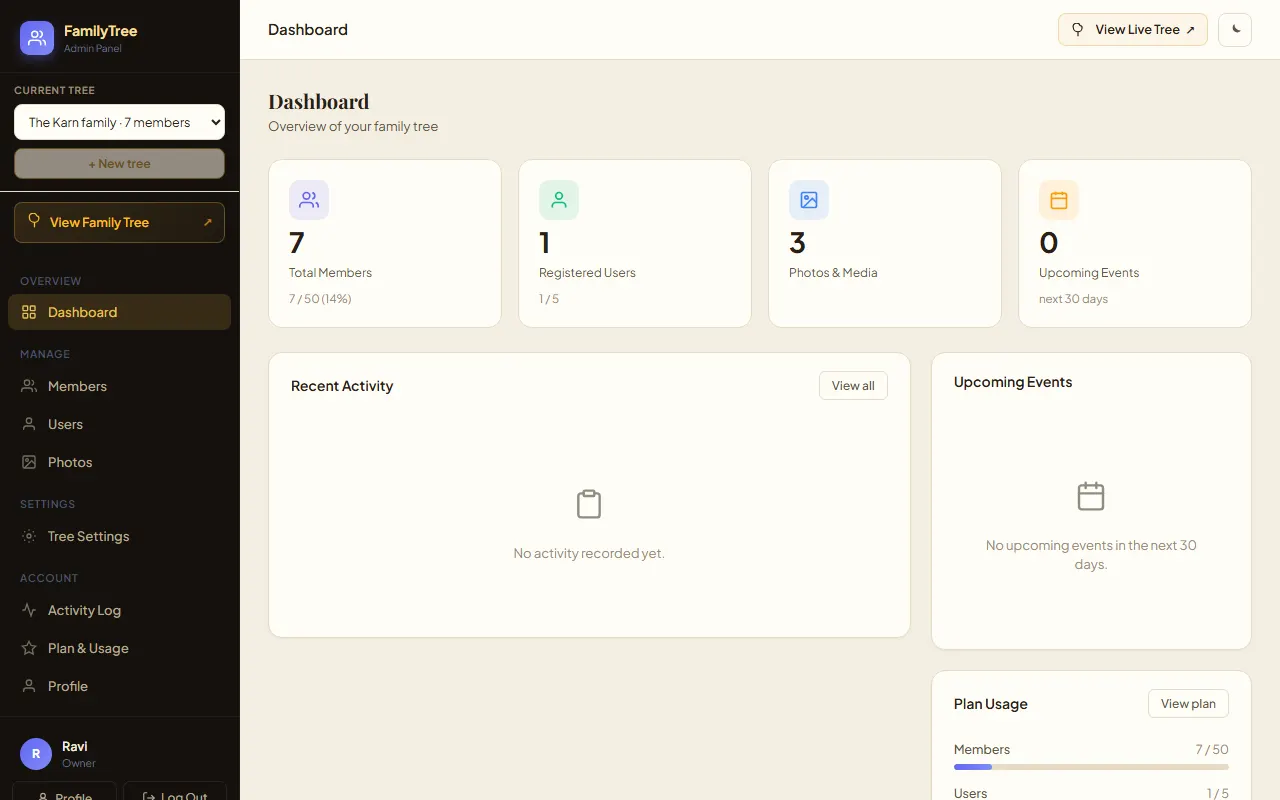
You land on the Dashboard. The quickest way to start is on the tree itself: open View Family Tree, turn on Build Mode and add yourself, then your parents, partner and children. Adding people shows each step.
Already have a tree on Ancestry, MyHeritage or another site? Import it instead and skip the typing.
Share it
New trees are private. When you are ready, choose who can see it in Tree Settings, then press Share on the tree to send the link on WhatsApp or copy it.