Guide · Your data
Keep your tree in Airtable
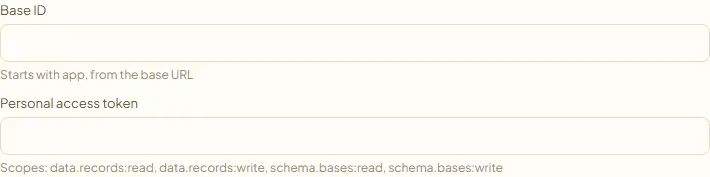
- In Airtable, create an empty base, for example Family tree. Copy its id from the address bar: the part that starts with
app. - Open airtable.com/create/tokens and press Create token.
- Add these scopes:
data.records:read,data.records:write,schema.bases:read,schema.bases:write. - Under Access, add only your family tree base. Create the token and copy it; Airtable shows it once.
- In Admin > Tree Settings > Where your family's data lives, choose An Airtable base, paste the base id and the token.
- Press Test, then Set up (it creates the Members and Media tables), then Switch to this.